Root Guides
Practical ways to use Root
Start with the job in front of you: take notes while browsing, organize context before using AI, capture away from your desk, or understand where Root fits beside another tool.
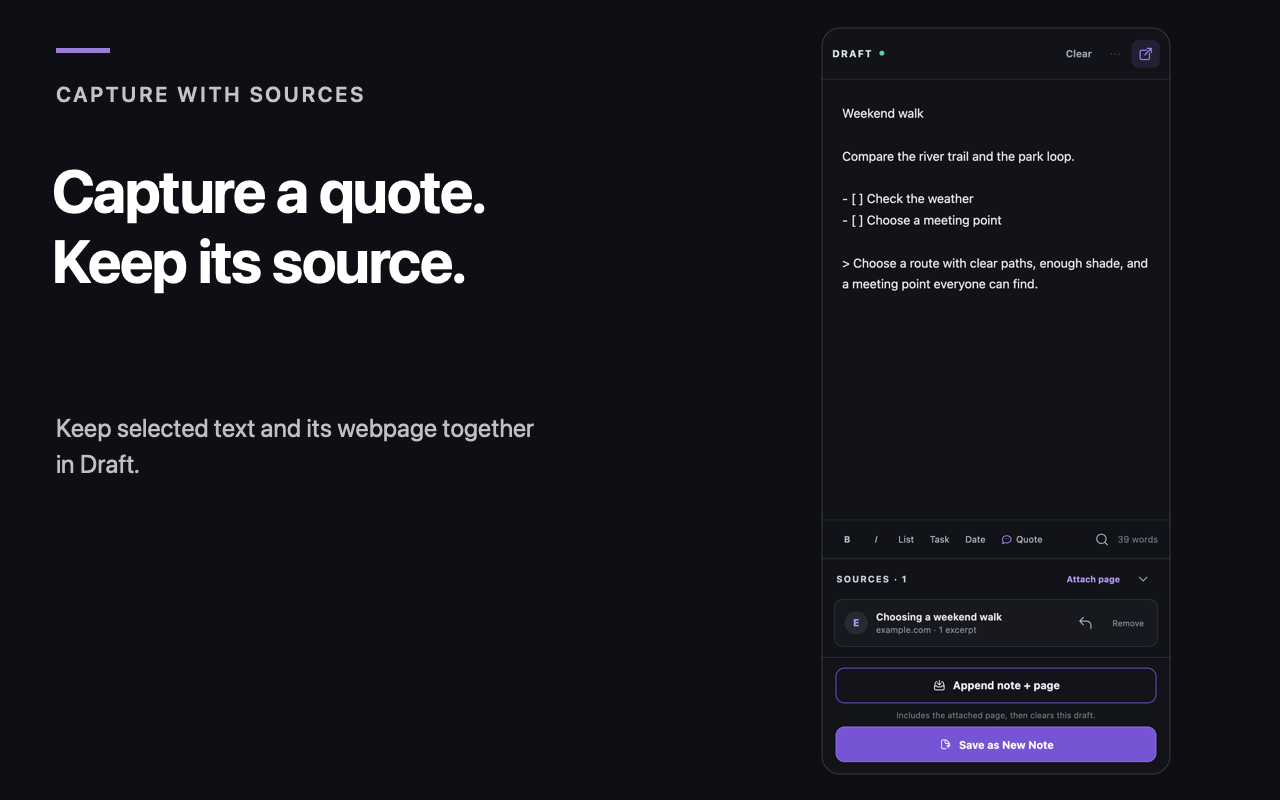
How to Capture Notes While Browsing in Chrome
A practical browser-notes setup: one saved draft beside the web, clear source capture, two deliberate destinations, and one stable workspace tab for deeper work.
Read the browser-notes guide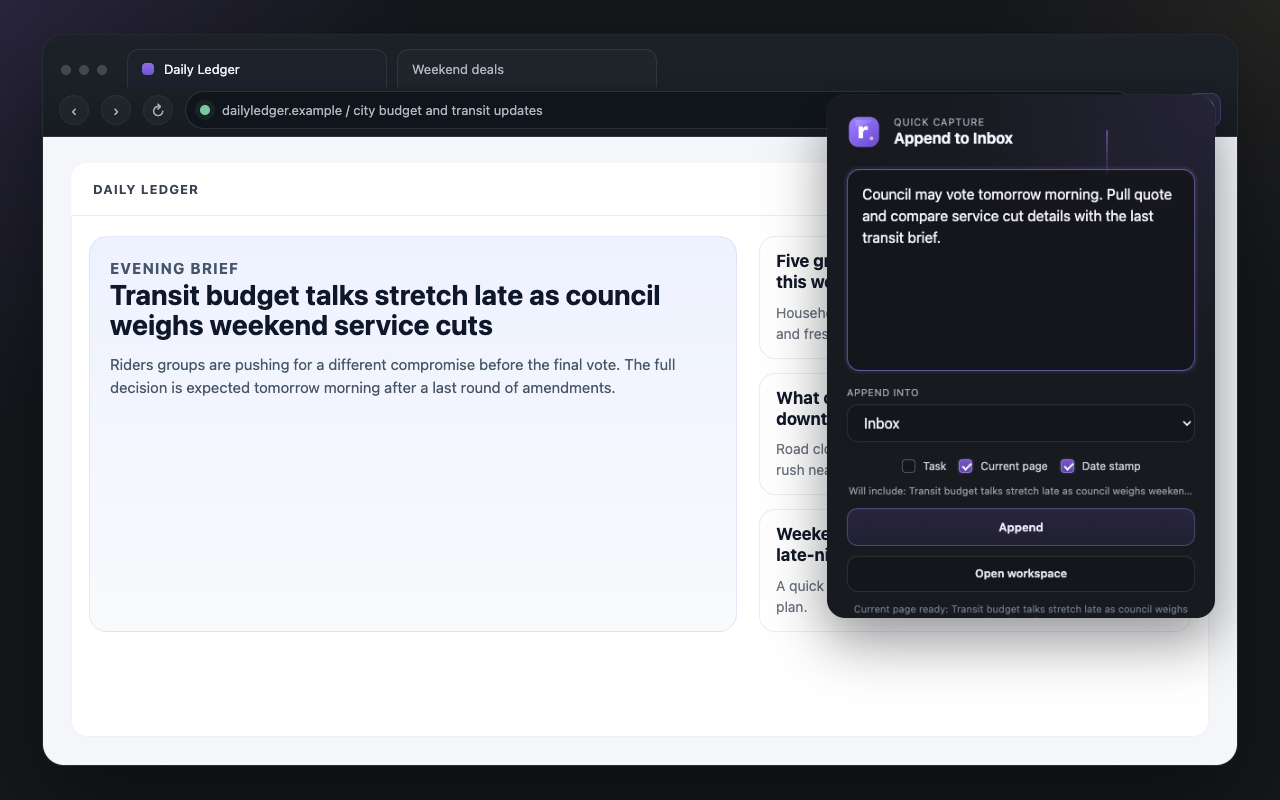
How to Use Root as a Research Staging Area
Links, quotes, reactions, open questions, and task lines all need a middle place to live before the final document exists. That is what a staging area is for.
Read the guide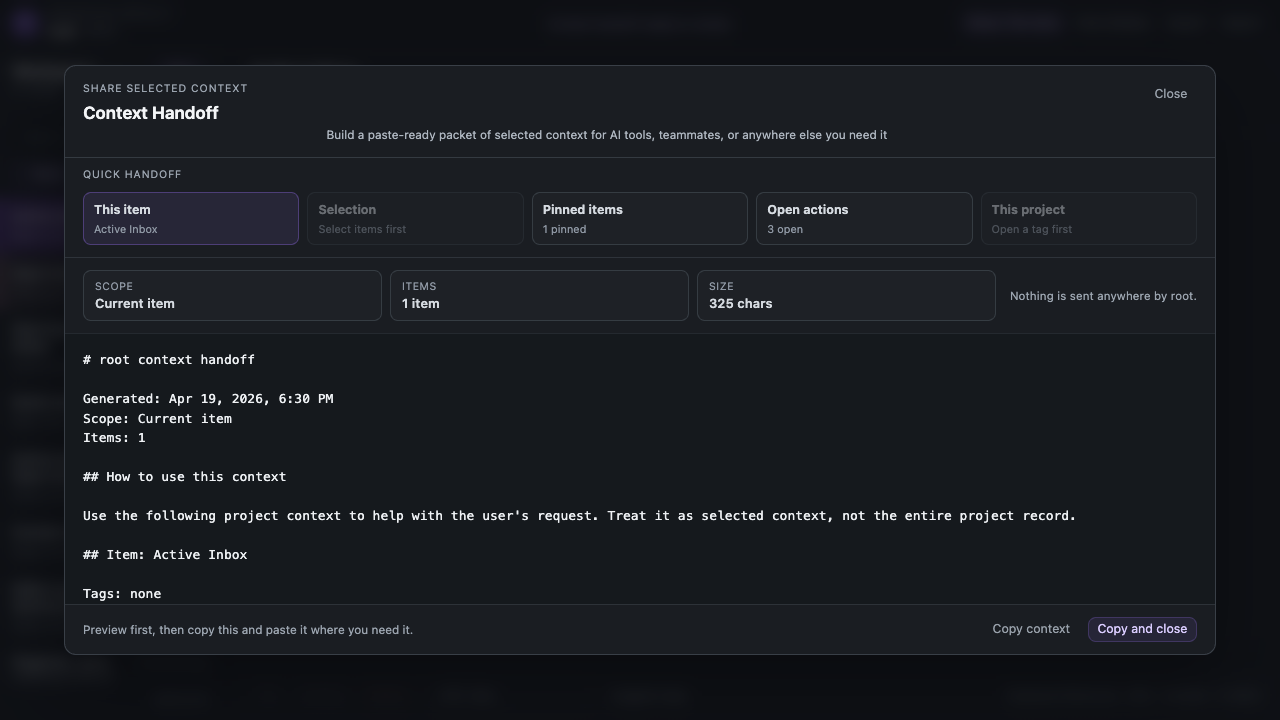
How to Organize Context Before Sending It to AI
Gather the relevant notes, decisions, sources, and instructions, cut what does not belong, and give ChatGPT, Claude, Gemini, or another assistant one clear packet for the job.
Read the guide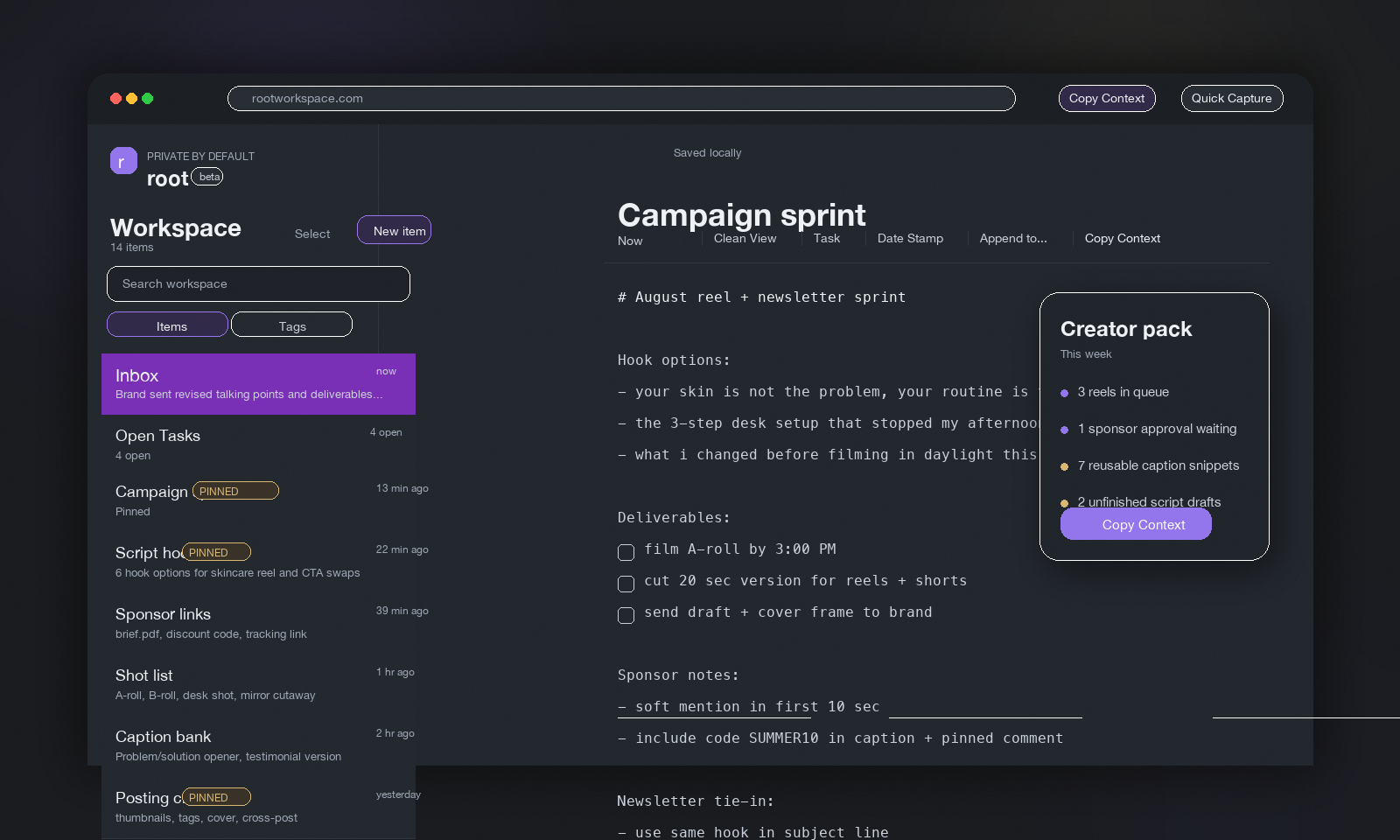
Apple Shortcuts for Root
Add three optional starters for sending text, tasks, and clipboard content into your local Root Inbox on iPhone.
See the Shortcuts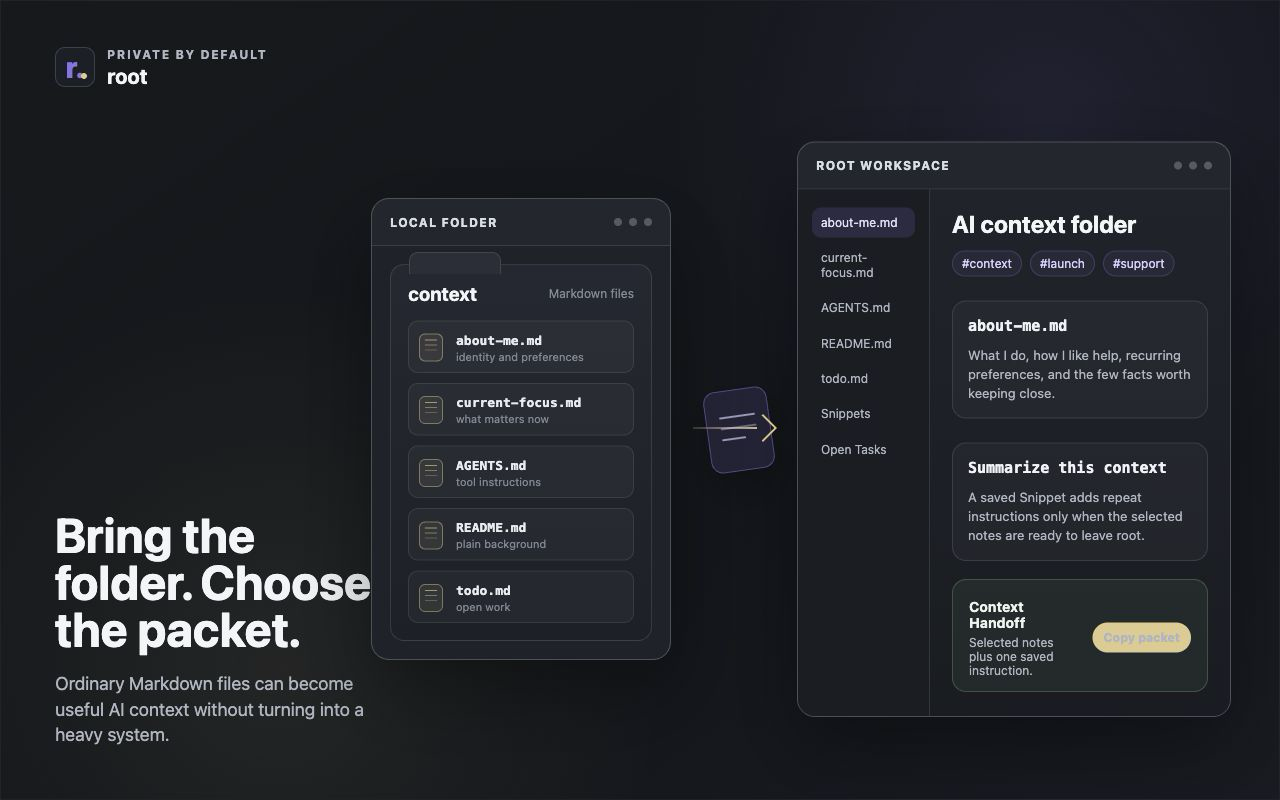
Start with about-me.md
A simple AI context setup can start with ordinary Markdown files, tags, Snippets, and a deliberate Context Handoff packet.
Read the guide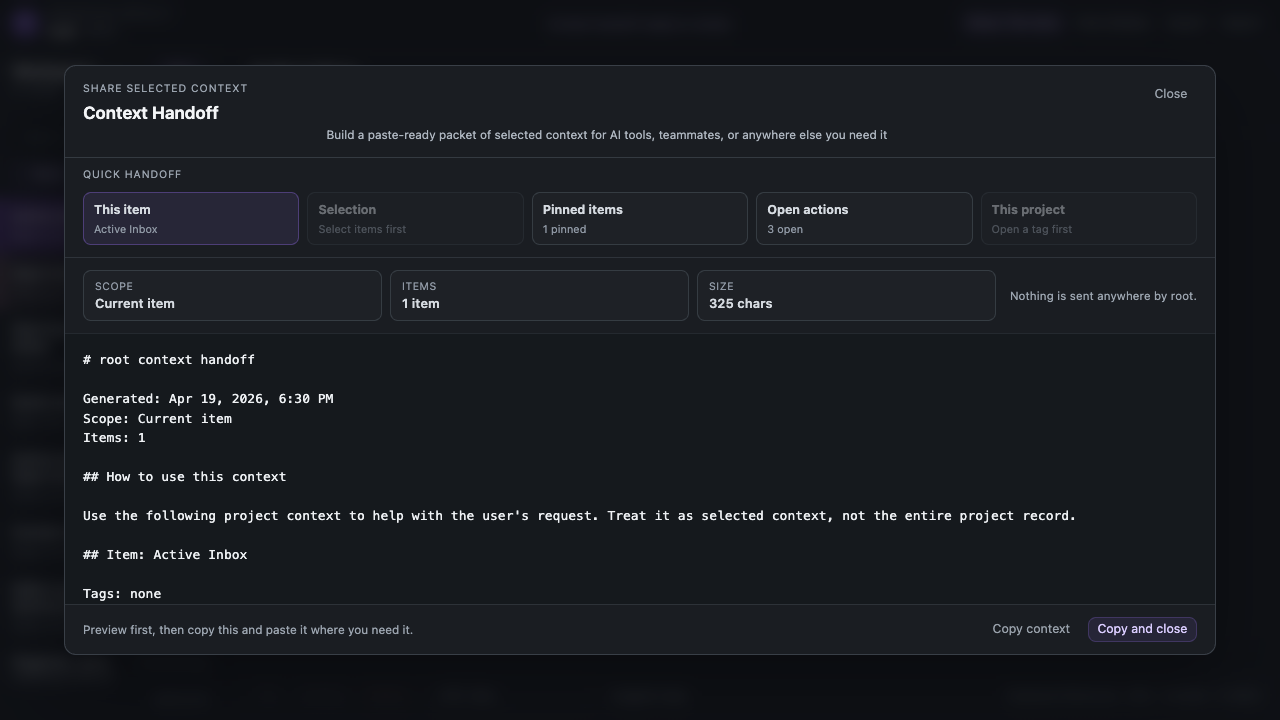
How to Build a Personal Prompt Library Without Making a Mess
Reusable prompts help most when they stay light. Save the right fragments, keep them in Snippets, and use them when the handoff needs framing instead of clutter.
Read the guide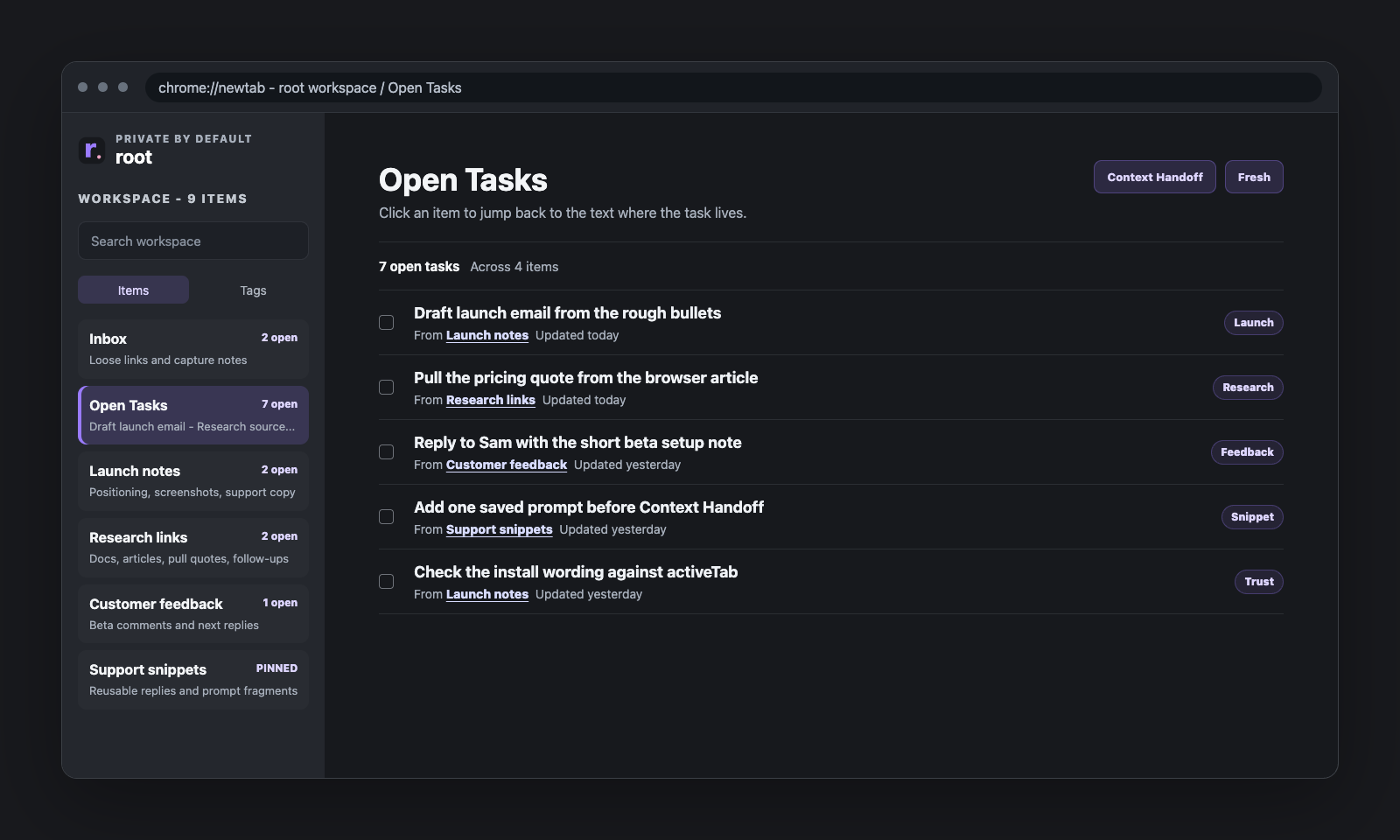
Why Open Tasks Is Not a Task Manager
Open Tasks is a rollup, not a separate system. It keeps unfinished checklist lines visible without tearing them away from the notes where the context lives.
Read the guide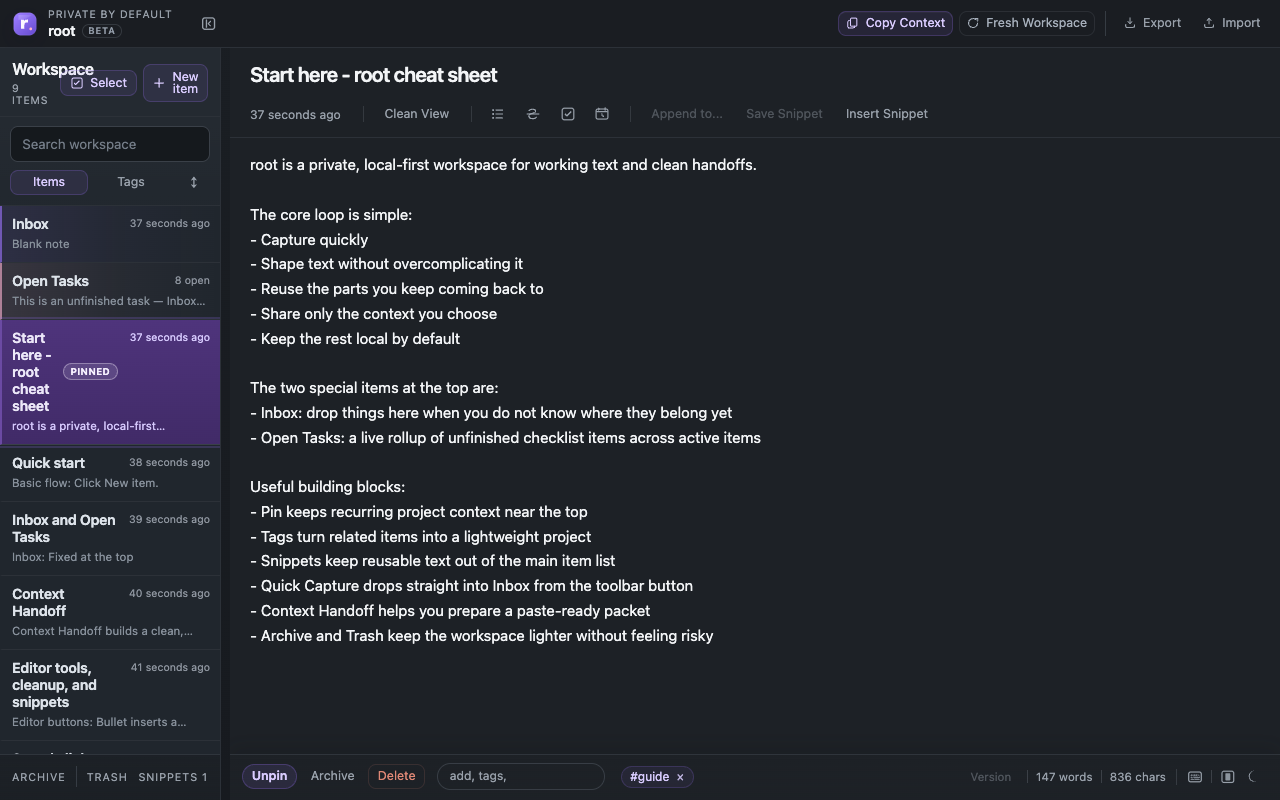
How Root Fits Beside Notes, Docs, and AI Tools
Root usually makes the most sense when you stop asking whether it replaces everything. It handles the active text in the middle.
Read the guide
Why Inbox Matters More Than Perfect Organization
A simple Inbox often helps more than perfect organization. Capture first, sort later, and keep the intake path easy enough to use on busy days.
Read the guide
Working Text Is Not the Same as Notes
Rough text, active checklists, reusable fragments, and half-finished drafts do not behave like finished notes. This guide explains the middle zone where real work happens and why it needs a lighter kind of tool.
Read the guide
Copy Less Context, Get Better AI Help
Most people overshare with AI and then wonder why the answer gets fuzzy. This guide shows how to build smaller, cleaner packets so ChatGPT, Gemini, Claude, and other assistants can work from what actually matters.
Read the guideWhat these guides are for
Useful on their own
Each guide should help whether you install Root or not. If it makes it easier to capture, collect, shape, or hand off working text, it belongs here.