Most people overshare with AI.
They paste the whole note, the whole thread, the whole meeting dump, the whole project scratchpad, and then wonder why the answer feels fuzzy, generic, or pointed at the wrong problem.
More context is not always better. Better context is better.
That sounds obvious when you say it out loud, but it is easy to miss in real life. When you are in the middle of work, everything nearby starts to feel relevant. A few bullets from yesterday, an old checklist, a couple links, half-finished thoughts, a rough draft, a reminder to yourself, a fragment from another project. It all feels connected because it all lives near the thing you care about.
But to an AI tool, that pile often creates noise before it creates clarity.
The goal is not to send everything. The goal is to send the smallest useful packet that still gives the model a fair shot at helping.
Why dumping everything in often backfires
When people say an AI answer was not very good, the problem is not always the model. Sometimes the input was just too wide, too stale, or too mixed together.
Old context competes with current context
If a note contains last week’s plan, today’s revision, and three abandoned directions, the model may answer the wrong version of the problem.
The real task gets buried
If your actual need is “turn these three bullets into a clear email” but you paste two screens of surrounding notes, the model has to guess what matters most.
Mixed note types create mixed answers
A rough scratchpad, a checklist, reusable instructions, and a few reference links do not all play the same role. When they are sent as one blob, the answer often comes back at the wrong level.
You share more than you meant to
Even when the answer is fine, wide context can expose internal notes, stale assumptions, or sensitive material that did not need to leave your workspace.
The hidden cost of “just paste everything” is not only lower quality. It is losing the boundary between what is nearby and what is actually needed.
What working context actually looks like
Useful AI context is usually smaller than people expect.
A good packet might be:
- one current item
- two selected notes
- a live task rollup
- a short project slice
- just the links
The right size depends on the question.
If you want rewriting help, the best packet is often just the draft plus a short instruction. If you want planning help, a short list of open tasks may be more useful than the whole project archive. If you want research help, the links may matter more than the surrounding commentary. If you want debugging help, the exact bug note and a couple nearby constraints may be better than the entire workspace.
For a complete method, including task framing, facts, working material, constraints, and a reusable packet template, read How to Organize Context Before Sending It to AI.
The point is not minimalism for its own sake. The point is choosing context on purpose.
A simple way to think about scope
Before you share anything, ask:
What is the smallest amount of text that would let a smart assistant help with this exact task?
That question usually gives you a better scope immediately.
Here is a practical way to choose:
Use the current item when
- the problem lives in one note
- you are rewriting, cleaning up, or summarizing one piece of text
- the surrounding project does not matter much
Use selected items when
- the answer depends on a few notes together
- you want to combine a draft with a checklist
- you want to include a short set of constraints without dragging the whole workspace in
This is often the best default, especially when you are tempted to throw in “just one more thing.”
Use pinned context when
- you have stable instructions or recurring project rules
- the helper needs the same background every time
- you want repeated context near the top without copying it into every note
Use open tasks when
- the problem is mostly about next steps
- you want planning, prioritization, or sequencing help
- the unfinished checklist matters more than the rest of the notes
Use links only when
- the references are the real payload
- you want browsing or source-grounded help
- the notes around the links would mostly add noise
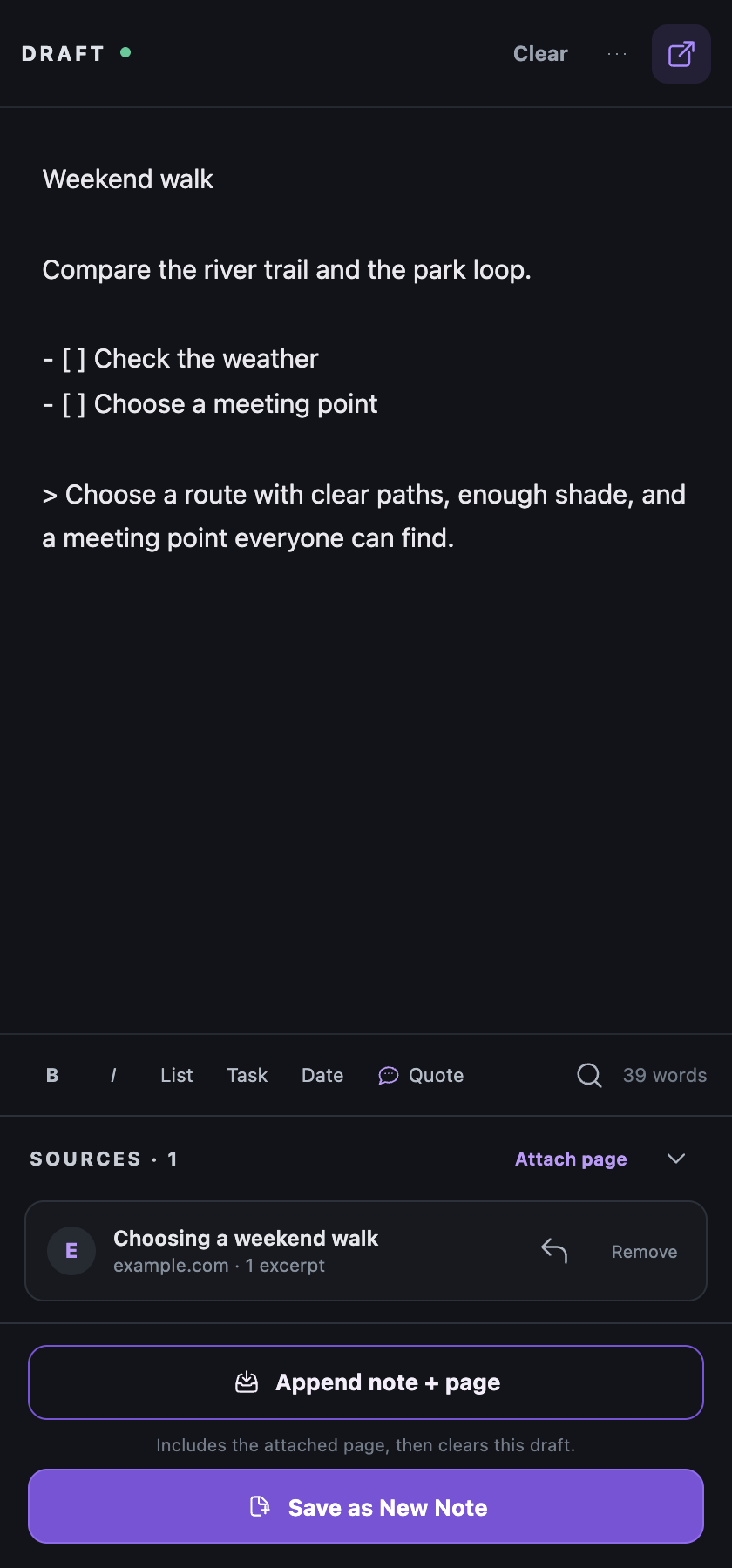
Metadata is a real decision, not just a toggle
One of the easiest ways to make a packet tighter is to ask whether the framing is actually helping.
Sometimes titles, timestamps, and labels are useful. They help the model understand what is current, where something came from, or how the notes are grouped.
Other times they just get in the way.
If what you really want is “work from these selected lines,” then less framing is often better. That is why a narrower packet with metadata off can work so well. It gives the model the actual text without extra scaffolding unless the scaffolding is doing real work.
Start small, widen only if needed
A good rule is to start with the smallest fair packet, then widen only if the first answer is missing something important.
That gives you three advantages:
- You get a more targeted first answer.
- You keep the privacy boundary tighter.
- You learn what kind of context the task actually needs.
If the first answer comes back and the model clearly lacks background, then widen the scope a little:
- add one more selected item
- include pinned context
- add the project slice
- turn metadata back on
That is almost always a better progression than dumping the whole archive first.
This matters even if you do not use Root
This idea is bigger than one product.
If you use ChatGPT, Gemini, Claude, or any other assistant, you will usually get better help by treating context as a deliberate packet instead of a pile.
- cut stale text
- remove old decisions that no longer matter
- prefer selected text over whole documents when you can
- separate reusable instructions from the draft itself
- send references only when references are the real job
Better answers often come from better boundaries, not more text.
How this shows up in Root
This is one of the core ideas behind Root.
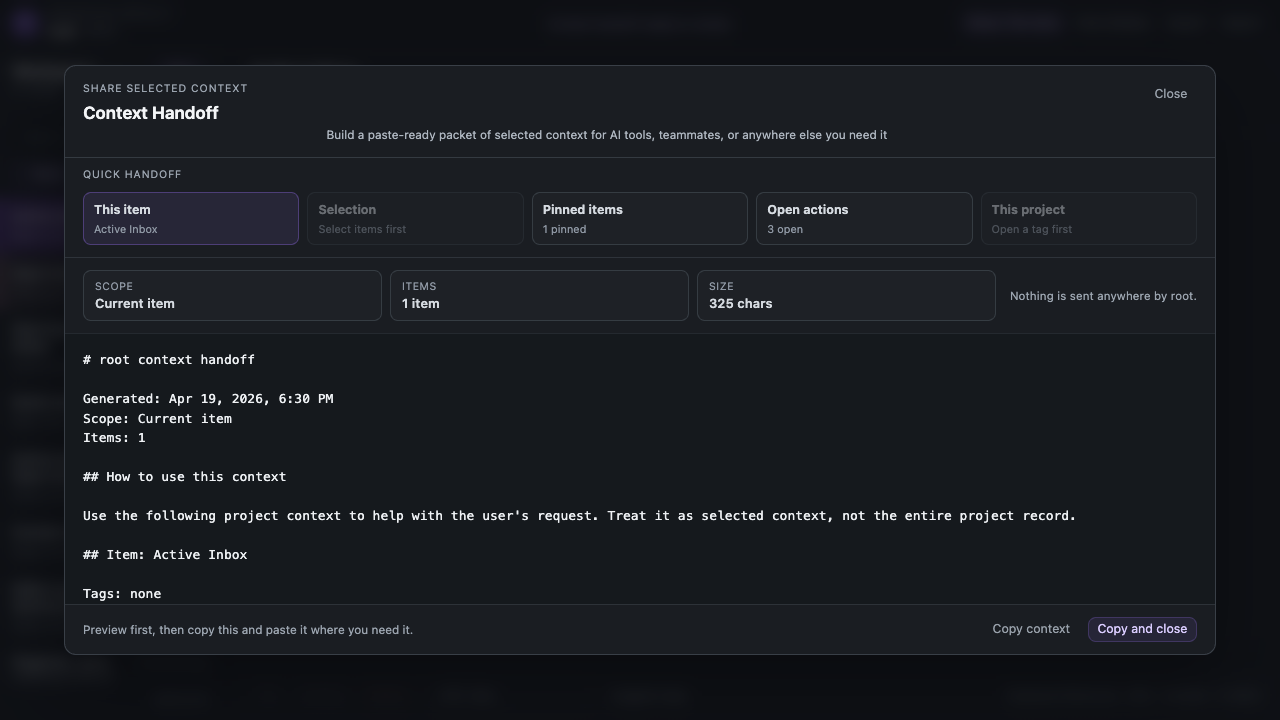
Instead of assuming you want to share a whole workspace, Root is built around smaller handoff choices:
- this item
- selected items
- this project
- pinned items
- open tasks
- links only
The point is not ceremony. The point is control.
Sometimes the best packet is something you copy and paste. Sometimes the visible packet itself is enough for a browser AI workflow. Sometimes you just want to save the packet as a PDF and hand it off more like a document.
If you are already using something like Gemini in Chrome, that can matter more than it sounds like it should. In some setups, you may be able to keep the packet open, narrow the scope, and ask for help right there without doing a separate paste step first. That is not something to oversell or assume will work identically everywhere. It is just a useful pattern to know exists.
Share only the context you actually mean to share.
Closing
If AI help feels vague, noisy, or slightly off, try changing the packet before you blame the answer.
Smaller context is not always the right answer. But cleaner context usually is.
Start with the minimum useful slice. Add only what the task truly needs. Let the answer tell you if the packet should widen.
You will usually get sharper help, expose less by accident, and understand your own work a little better in the process.